Making Classrooms More Interactive: Benefits for Teachers and Students
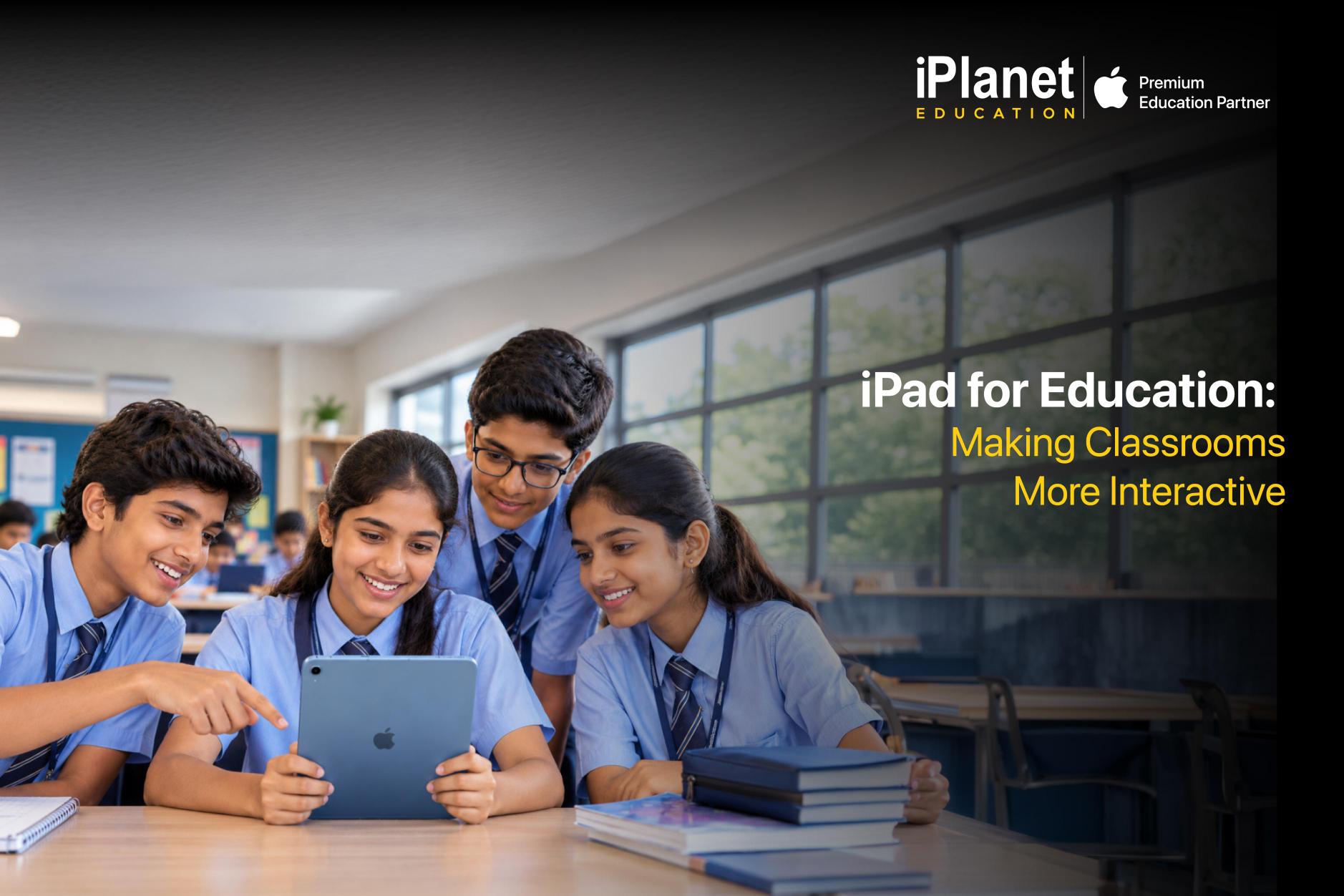
A classroom does not automatically become more engaging just because it has more technology. What matters is whether that technology actually helps teachers explain better and gives students more opportunities to participate. Used thoughtfully, digital tools can make lessons more visual, hands on and easier to adapt. For educational institutions looking at long-term technology investments, iPad for Education offers a practical way to bring more interaction into everyday teaching without making the classroom feel overly complicated.
1. Turn Lessons into Something Students Can See and Do
Some concepts are much easier to understand when students can see them in motion rather than as a finished product. Videos, diagrams, animations, interactive activities and educational apps can give teachers more ways to explain a concept beyond the textbook.With an iPad, these resources can be brought into one device. Teachers can use them to demonstrate ideas, while students can explore topics more actively. This can be especially useful for subjects where visuals and demonstrations make a big difference.
2. Make Learning More Interactive
Students are more likely to stay involved when they are doing something rather than simply listening throughout a lesson. Interactive activities like quizzes, digital assignments and creative projects can turn a regular class into a more participative experience.Teachers can use iPad based tools to ask questions, conduct activities, create presentations or encourage students to work through problems themselves. In this way, technology becomes part of the lesson instead of becoming a separate activity. This is one of the strengths of Apple in Education, that technology can support the teacher’s existing approach while giving students more ways to participate.
3. Give Teachers More Flexibility
Every class is different. Some students may understand a concept immediately, while others may need another explanation or a little more practice. Digital resources can make it easier to switch between different formats during a lesson. A teacher might use a video to introduce a topic, an interactive activity to explain it and a digital assignment to see whether students have understood it.For institutions managing multiple classrooms, having a consistent technology setup can also make it easier to provide teachers with the tools they need without adding unnecessary complexity.
4. Encourage Collaboration Inside and Outside the Classroom
Learning does not always have to be an individual activity. Group research, presentations, research activities and creative assignments can give students a chance to work together and learn from one another.iPad also makes it easier for students to collaborate on projects, exchange ideas and share their work using digital tools. Along the way, they also develop communication and teamwork skills that are useful beyond academics. For education groups and larger institutions, this kind of collaborative learning can also support a more connected learning environment across different classrooms and campuses.
5. Help Students Learn at Their Own Pace
A teacher may have a full classroom, but every student does not learn at the same pace. Digital learning tools can give students opportunities to revisit lessons, practise difficult topics or explore subjects in greater depth. Teachers can also use digital assignments and resources to provide more targeted support. This flexibility is one reason institutions are increasingly exploring iPad for Education as part of their broader approach to digital learning.
6. Reduce the Dependence on Paper
Interactive learning can also make everyday classroom management a little simpler. Worksheets, assignments, notes, presentations and reference material can be shared digitally instead of being printed every time.This does not mean that every piece of paper needs to disappear from the classroom. It just gives teachers another option and can reduce printing for activities that work just as well digitally. For larger schools, colleges and education networks, even small changes in how resources are shared can add up over time.
7. Give Institutions a More Manageable Technology Setup
For school and university decision makers, introducing technology involves much more than choosing a device. There are questions around procurement, deployment, security, device management, training and ongoing support as well.This is where a partner such as iPlanet Business can play a role. Institutions can look at procurement, deployment, device management, training and ongoing support as part of a larger technology plan rather than treating every classroom requirement as a separate project. A structured setup also makes it easier to expand the technology environment when an institution adds classrooms, students or campuses.
8. Make Technology Useful, Not Just Impressive
Good classroom technology should solve a real problem. It could help a teacher explain a complicated topic, allow students to work together, make resources easier to access or give learners another way to practise something they find difficult.An iPad can support all of these uses when it is introduced with a clear purpose. The point is not to put a device in every student’s hands just because technology is available. That is ultimately what Apple in Education should be about. It should be about using technology to make learning more accessible, flexible and engaging rather than treating technology as the goal.
Making Interactive Learning Work at Scale
Creating a more interactive classroom takes more than putting a device on every desk. Schools and educational institutions need the right combination of devices, applications, training, support and management to make the investment worthwhile. With iPad for Education, institutions can give teachers more ways to teach and students more ways to participate. With the right implementation partner, these solutions can also be managed across multiple classrooms and campuses without placing additional pressure on the institution’s IT team.iPlanet Business helps educational institutions explore Apple solutions with support across procurement, deployment, device management and ongoing assistance. For schools, colleges and larger education groups planning their next technology investment, the aim should be straightforward and that is to introduce technology that makes teaching easier and learning more interesting.